

Guardian HUD
A clean on-screen display of health, resource and key spells. Seven layouts, plus an optional incoming-heal bar. Choose "None" to keep the default game layout.
Details ↓
Switch on only the tools that suit how you play.
A clean on-screen display of health, resource and key spells. Seven layouts, plus an optional incoming-heal bar. Choose "None" to keep the default game layout.
Details ↓
Health on top, your class resource underneath, in four styles with rounded or sharp corners, soft shadow, class colours and your own size. Click the bar to target yourself.
Details ↓
Track the abilities you care about and get a clear alert when they are ready. Choose square, soft, round or circular icons.
Details ↓
Finds outdated spell ranks on your action bars and offers the newest. You choose which spells to change and you confirm before anything moves.
Details ↓
The talent tree for all nine classes with suggested point-by-point builds for levelling, dungeons and raids, and PvP. They are suggestions; pick your own any time.
Details ↓
See which spells you can learn, what they cost, and what is coming at your next levels. A level-up popup lists the new skills.
Details ↓
Hover an item and a small card says whether a quest needs it, which quest and how many. Information only; it never deletes or sells anything.
Details ↓
A simple experience bar and progress display, with rested experience and quests ready to hand in.
Details ↓
Darken the game's own frames in four levels, from Soft to Pitch black. Switch each part on or off. Off puts everything back.
Details ↓
Gathers the round minimap buttons from your addons into one slide-out tray, so the map stays clean.
Details ↓The HUD is optional and off on a fresh install, so your game looks exactly as it did until you choose a layout. Pick one in Settings → Layout. Each layout has its own bars, so choosing one turns the separate Health + Mana bar off.
Pick the abilities you want on a movable row. Very short cooldowns (the global cooldown) and ranged shots from wands, bows and guns are ignored so the row stays useful. Alerts tell you clearly when an ability is ready.
When you learn a new rank, Class Guardian can find the old rank on your action bars and offer to replace it. Nothing changes until you press Replace selected, and you see the list first. While levelling you can also choose a lower rank per spell if you prefer the mana cost.
Every talent tree, with suggested builds for levelling, dungeons and raids, and PvP for every spec. Builds are written as priority lists and turned into legal point-by-point orders; each one is checked against the tree rules. The Guide can show the next talent to take at your level.
See what you can learn now, what it costs and what is coming. Trainer prices are estimates until you open a trainer, then the real price is remembered. A popup lists new skills each time you level.
Hover an item and a small card tells you whether a quest needs it, which one, and how many. It checks whether you already finished that quest. Type /cgqi to scan your bags or bank. Read how the colours work →
A compact experience bar with rested experience and quests ready to turn in. It can replace the default XP bar and the action bars adjust straight away.
Dark Mode darkens the game's own interface. It only changes colour, so everything goes back exactly as it was when you switch it off.
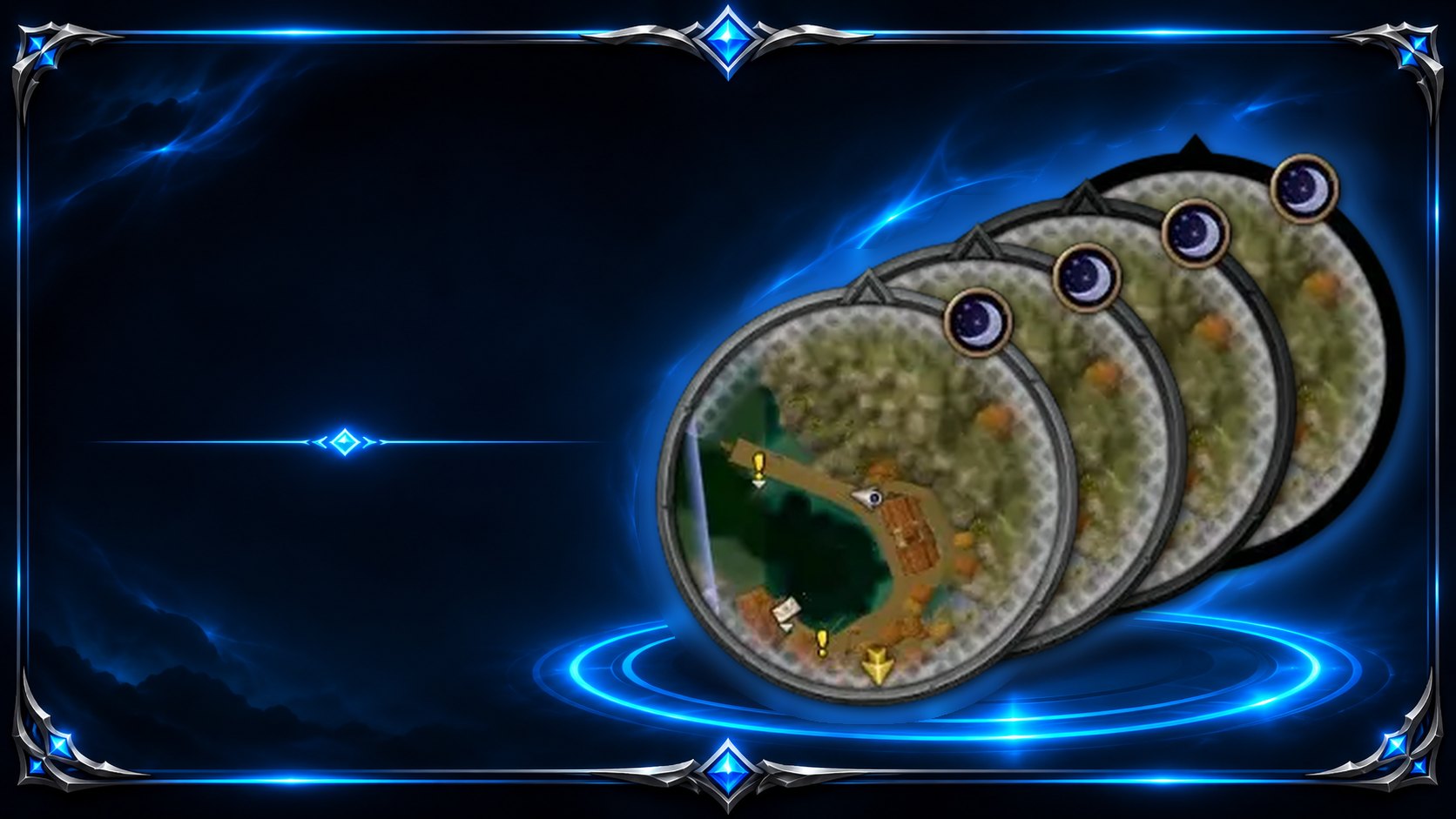
/cg, then Look & Layout → Dark Mode. Or type /cgdark on.Many addons add a round button around the minimap. The Addon Tray collects them, and our own, into one small tray. Click its tab to slide it open.
/cg, then Look & Layout → Minimap Tray. Or type /cgtray on.You choose what to turn on. The first time you log in, a short chooser lets you pick features. Settings are saved per character, and a page for a feature you switched off says so and has a button to turn it back on.